Turn ROAS into a campaign decision.
Work through returns, included costs and acquisition limits before changing spend. This free eight-page PDF includes a complete hypothetical example and a reusable campaign worksheet.
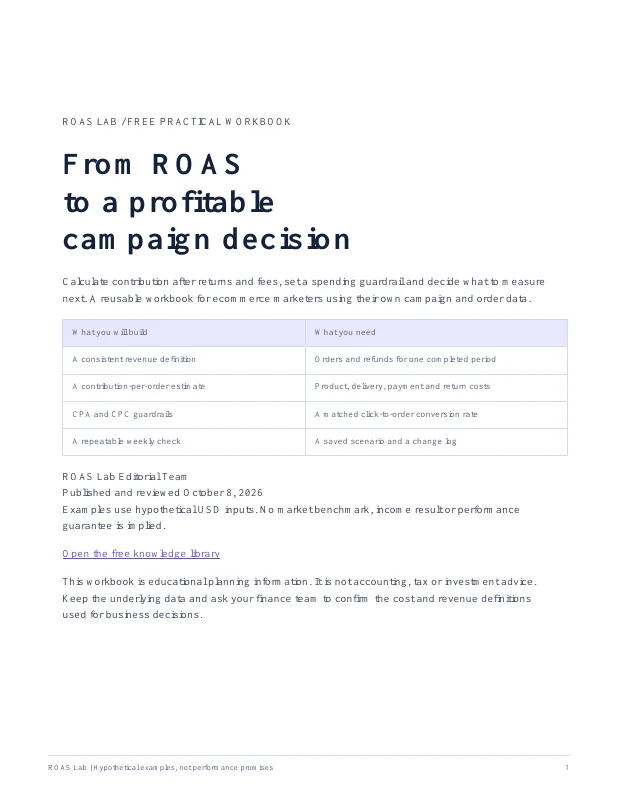
Published and reviewed October 8, 2026 · ROAS Lab Editorial Team
Email yourself the workbook
- Separate platform revenue from revenue after refunds.
- Calculate contribution available for advertising.
- Translate CPA into a CPC guardrail.
- Keep a printable campaign decision and review log.
We use your address to deliver the requested download. Ongoing emails require the separate optional checkbox. See the privacy policy.
Four useful steps, at your own pace
- Record a consistent revenue definition and check the break-even ROAS calculator.
- When you have cost and refund records, review the contribution margin calculation.
- Before changing bids, test a matching conversion rate in the maximum CPC scenario calculator.
- After choosing the contribution you want to retain, use the target ROAS calculator.
Save the worksheet and return when you have a new completed reporting period or a material cost change. Use these steps at your own pace.
What the example explains
The workbook starts with a hypothetical 100-order cohort, $100 tracked revenue per order and $90 retained revenue after refunds. Included non-ad costs total $41 per original order, leaving $49 contribution. It shows why the same economics produce a 1.84x net-revenue break-even threshold and a 2.04x gross-tracked-revenue threshold. All figures are example inputs, not market benchmarks.
The cost model is explicit so you can replace each assumption. The worksheet does not diagnose a campaign, set a universal good ROAS or forecast the return from more spend. Compare mature periods, keep the same attribution basis and confirm the business cost definitions with your finance records.
Go deeper in the ROAS knowledge library or read contribution margin versus gross margin before treating product margin as an advertising allowance.